$ open launcher
ANDROID
Clean Phone Launcher
A home screen that gets out of your way.
$ cat README.md
What it does
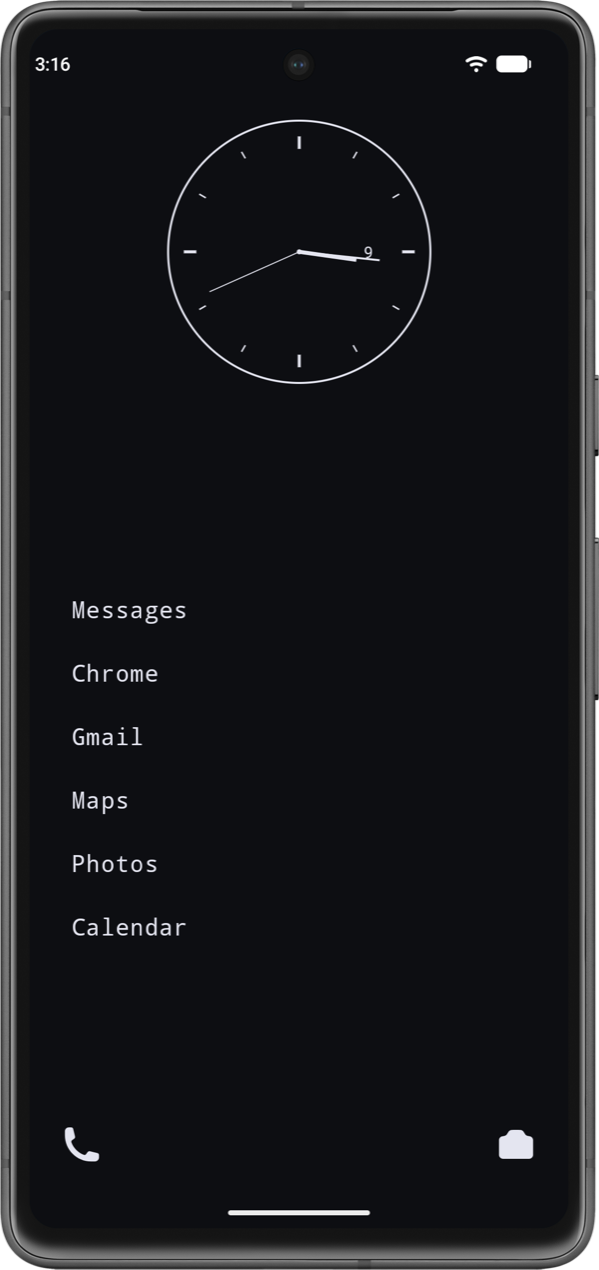
A clock and the apps you chose
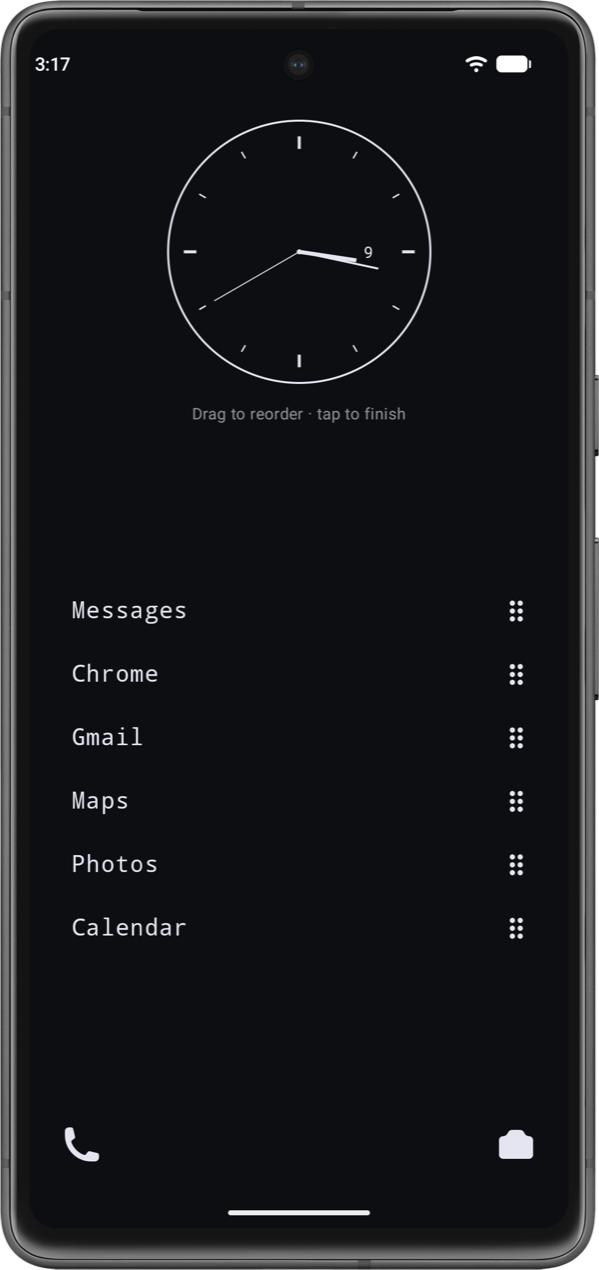
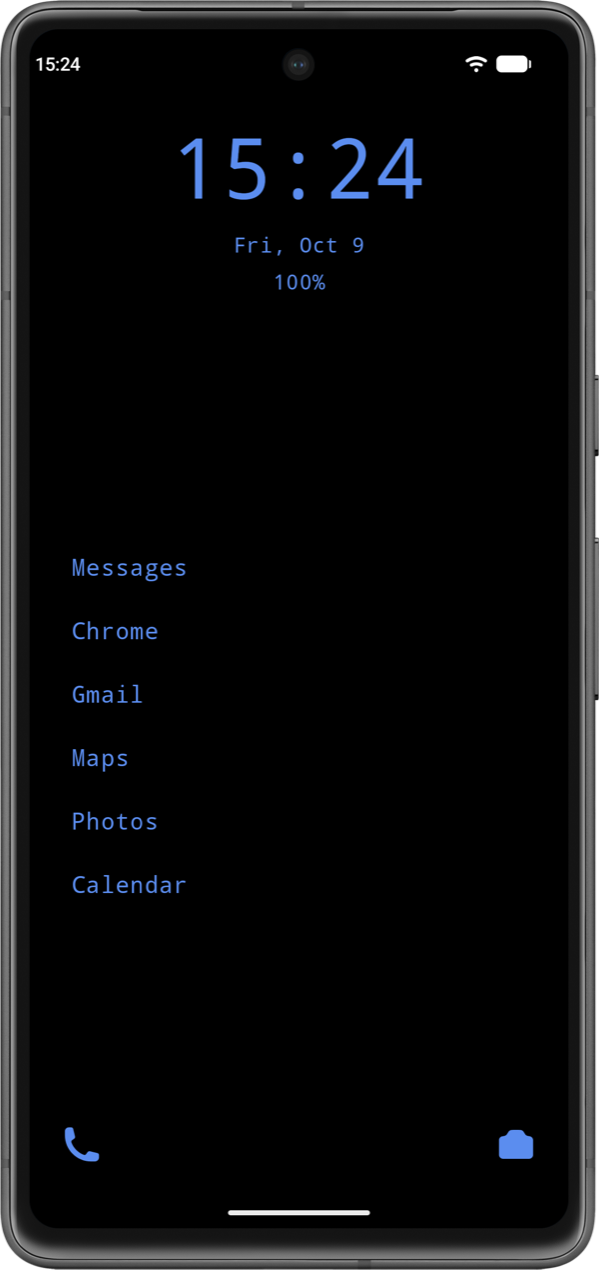
The home screen holds a clock, analog or digital, and a short list of favourites you can reorder by dragging. No icons, no badges begging for a tap, nothing that wasn't put there on purpose.
Everything else is one swipe away
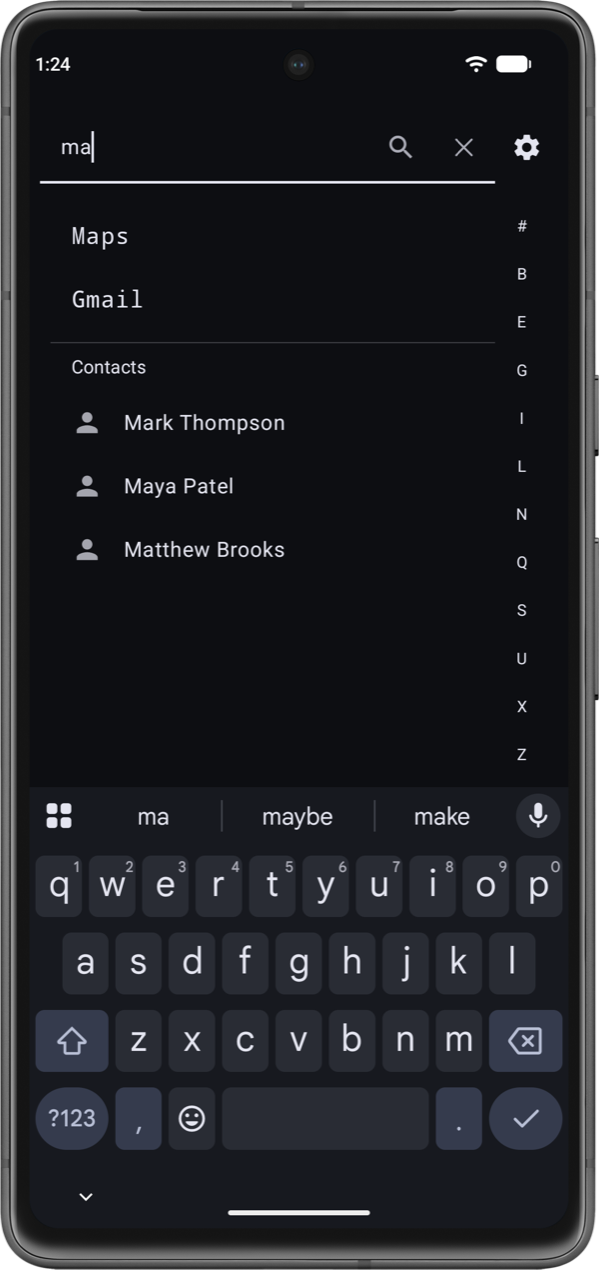
The drawer lists every installed app with instant search and an alphabet fast-scroll. A long press opens the app's shortcuts, App info or uninstall; opt in and search finds your contacts too, with a web search one tap further.
Gestures and shortcuts you set
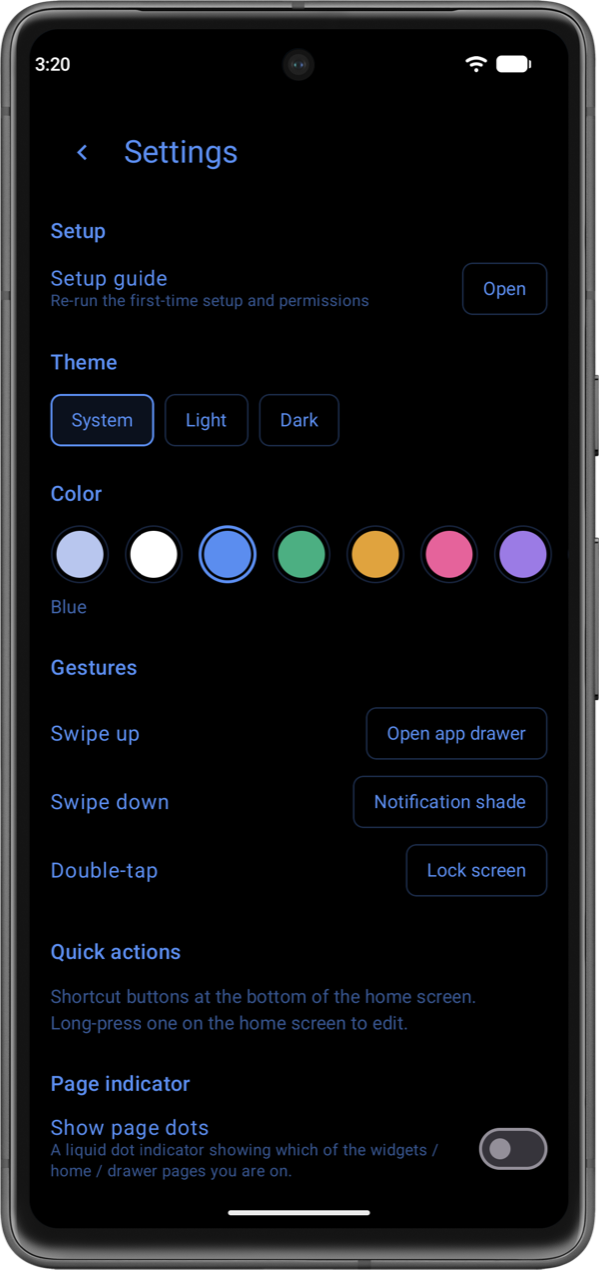
Swipe up, swipe down and double-tap each do what you pick. The bottom of the home screen carries two to five quick actions instead of a fixed phone and camera.
Widgets kept to the side
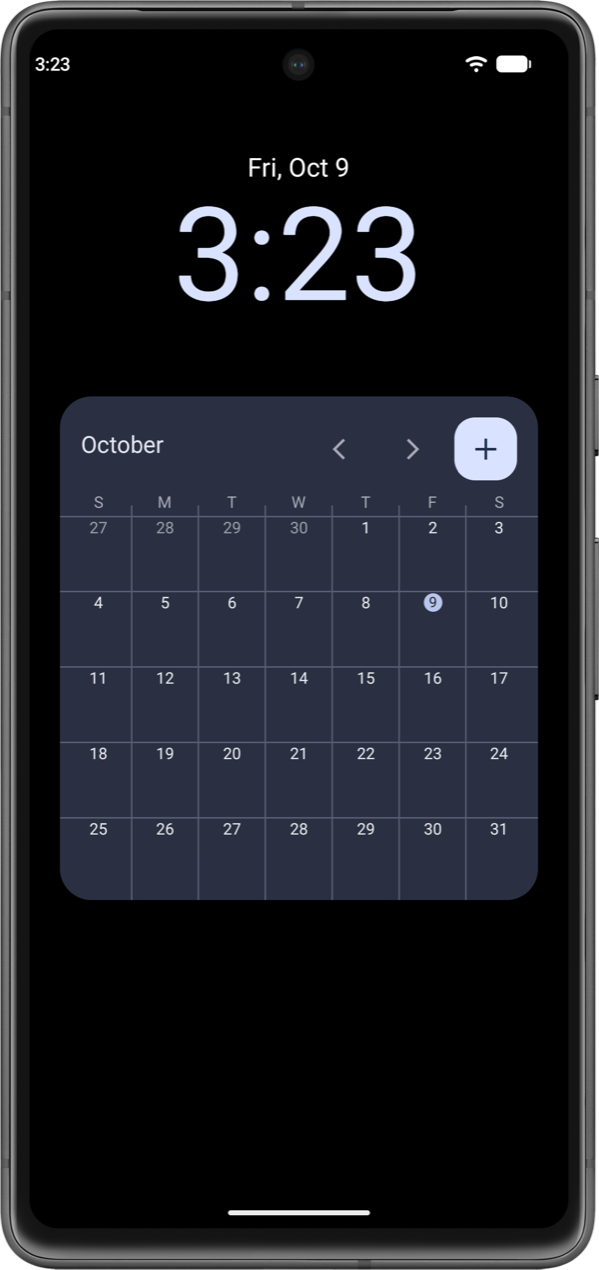
Widgets live on their own page left of home, resizable in both directions, so the home screen stays quiet. A liquid page indicator is there if you want it.
$ ./join-testers launcher
Be one of the first
Clean Phone Launcher is in closed testing on Google Play. Three steps and one Google account: use the same one for all three, because Play matches testers by it.
Join the testers group
One Google Group opens the test for every app I have in testing. Join it with the Google account your phone's Play Store uses.
join the groupOpt in to Clean Phone Launcher
Open the link signed in with that same account and tap “Become a tester”.
opt inInstall it and stay 14 days
Google opens a new app to everyone once 12 testers have kept it for 14 days. Open it now and then and tell me what you find.
get it
All three happen on Google's side; nothing here asks for your email. Found a bug or have an idea? launcher@rikoapp.dev