$ open skillmea
MULTIPLATFORM
Skillmea
Online courses with offline video, on Android and iOS.
$ cat README.md
What it does
Catalogue, search and course pages
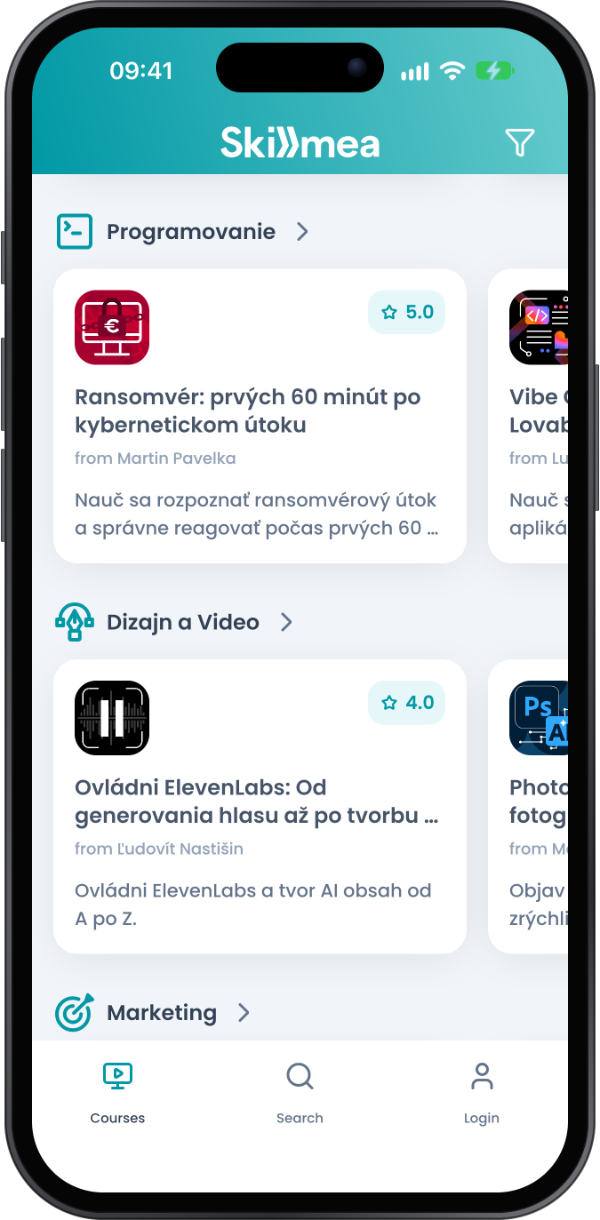
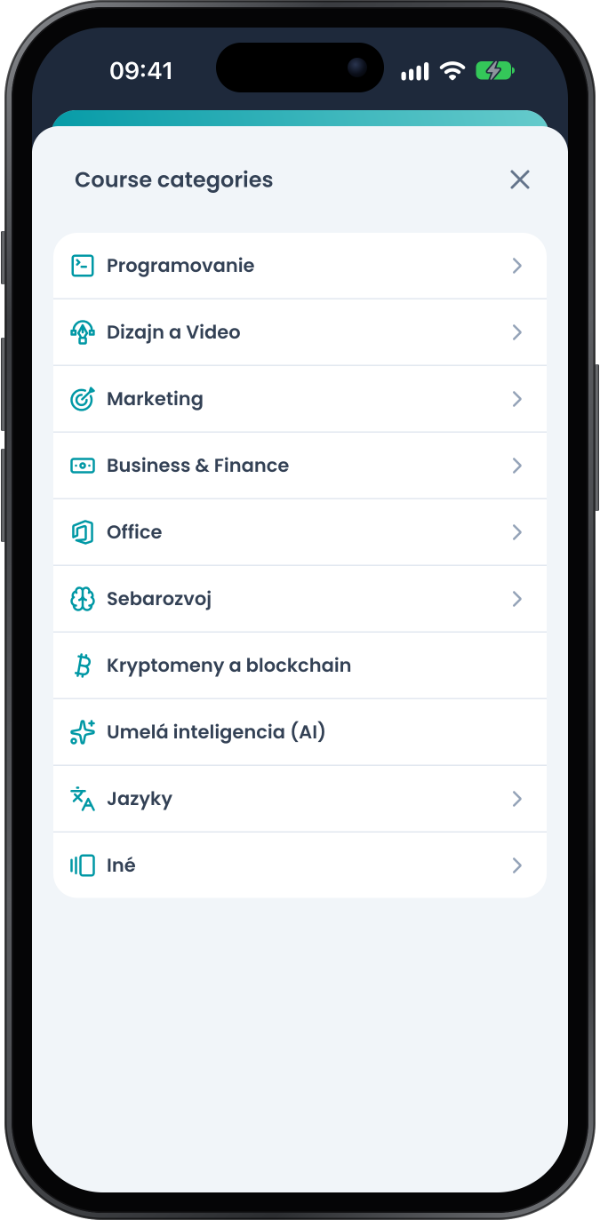
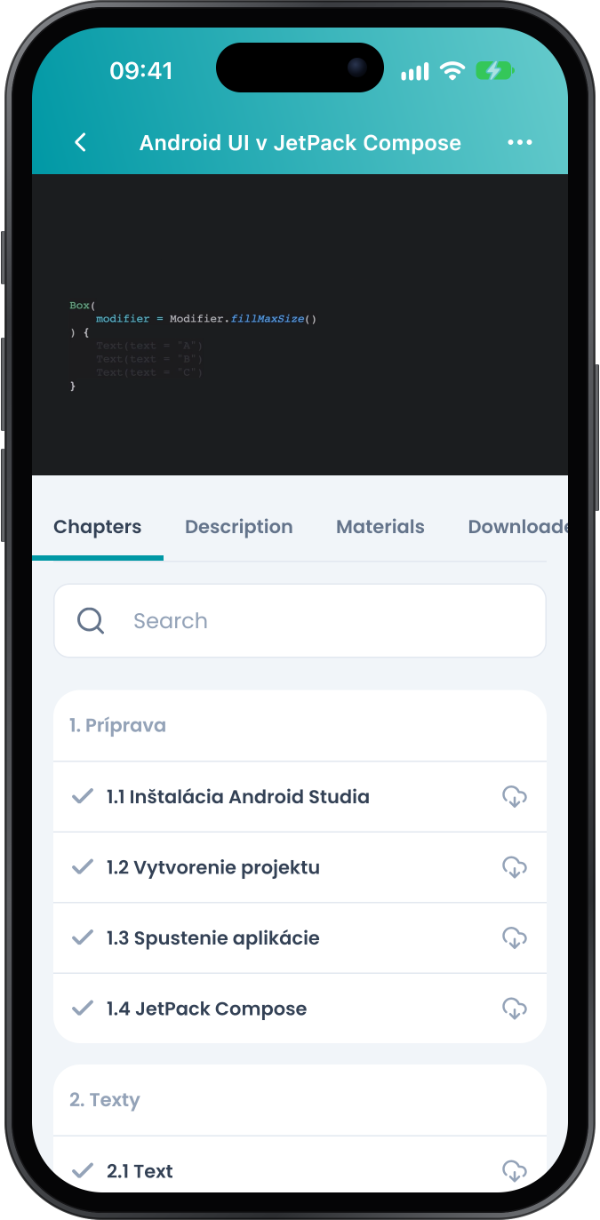
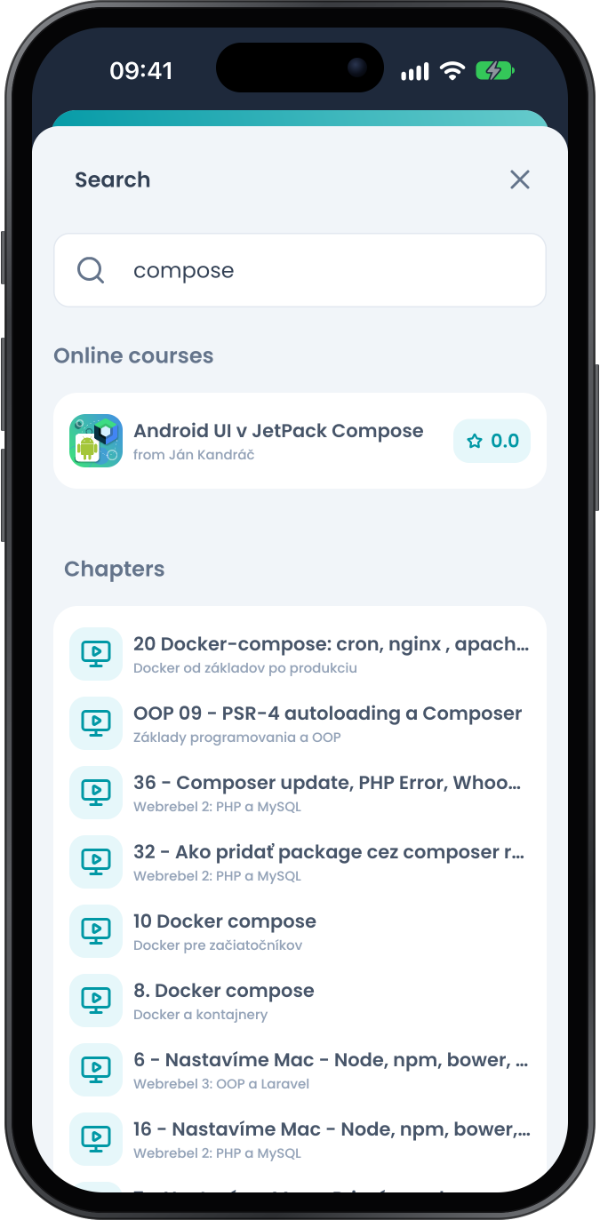
The home screen groups courses into category rows with ratings, and a filter narrows them by category. Search looks up courses, chapters and instructors by name. Each course page has tabs for chapters, description, materials, downloads and community.
A video player that works offline
Chapters or whole courses download in the background and play without a connection. Downloads can be paused, cancelled or deleted per course and kept to Wi-Fi. Videos are stored encrypted on the device, and audio keeps playing on a locked screen with buttons that jump between chapters.
Progress that follows you
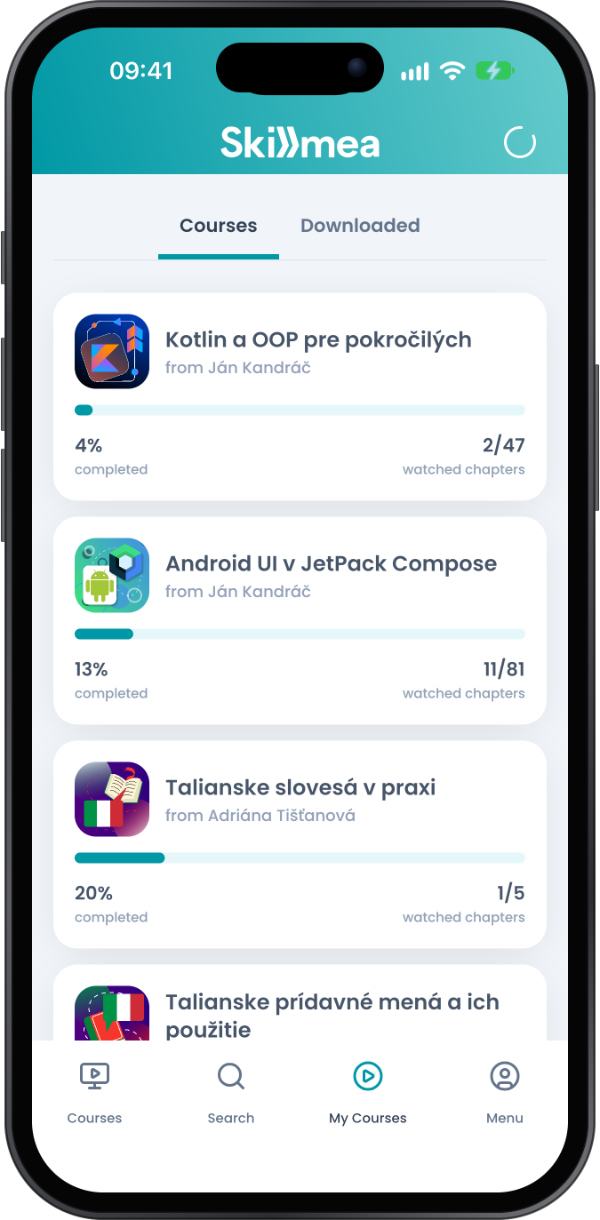
Every course keeps its seen chapters and a percentage in My courses, with options to reset or archive it. A chapter watched offline is marked on the phone and synced the next time there is a connection. A course started on skillmea.sk opens where you left it.
Sign in your way, or not at all
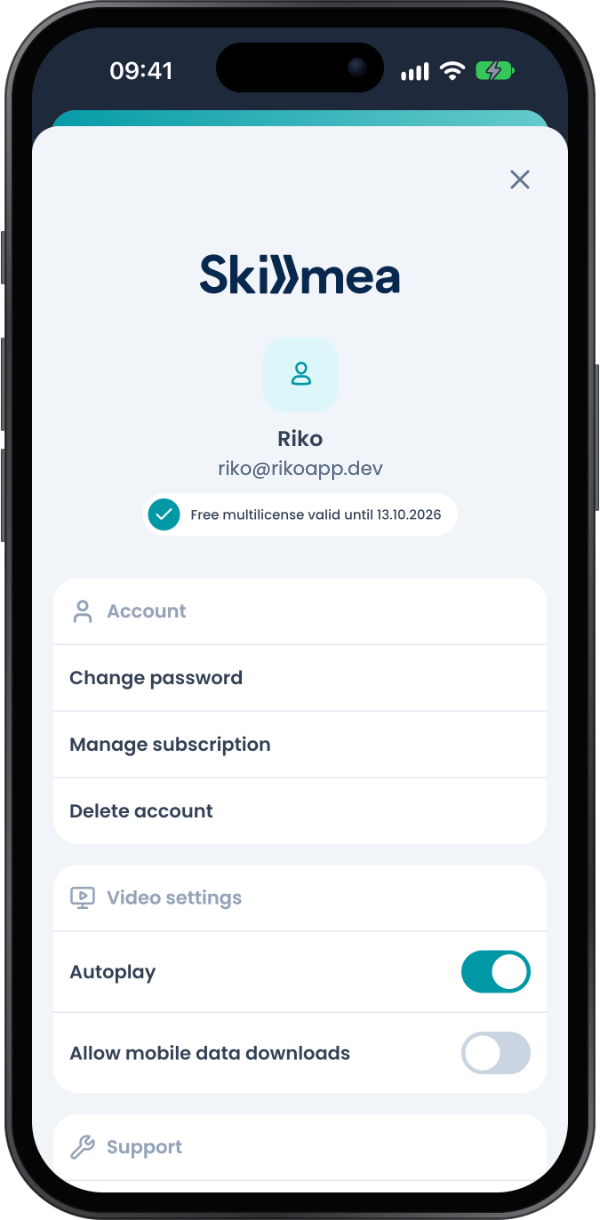
Google, Facebook, Apple or e-mail, or browse the catalogue without an account. Subscriptions are bought through Google Play or the App Store, restore on a new phone, and the app recognises one bought on the web.